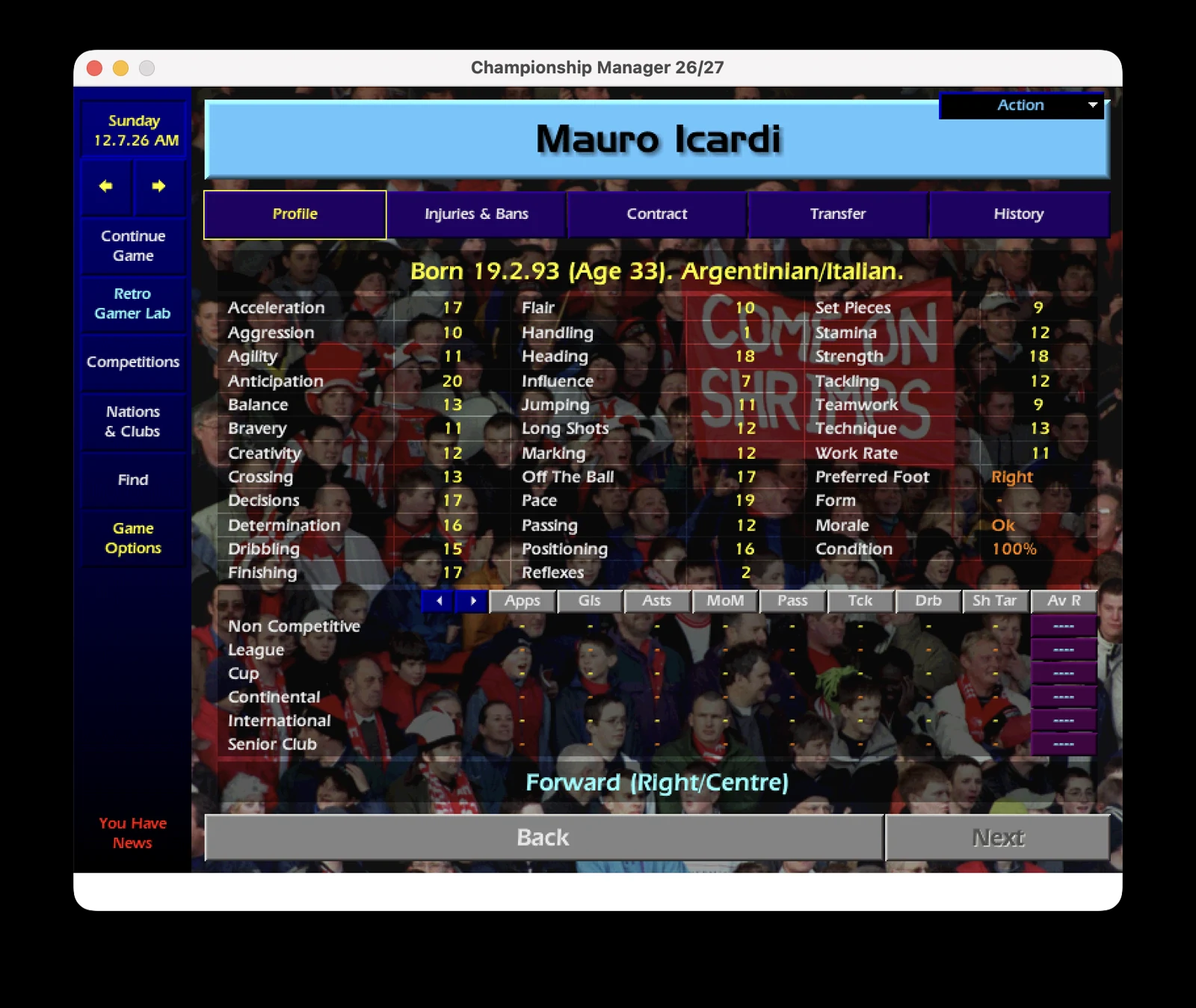
 ⤢ Enlarge screenshot
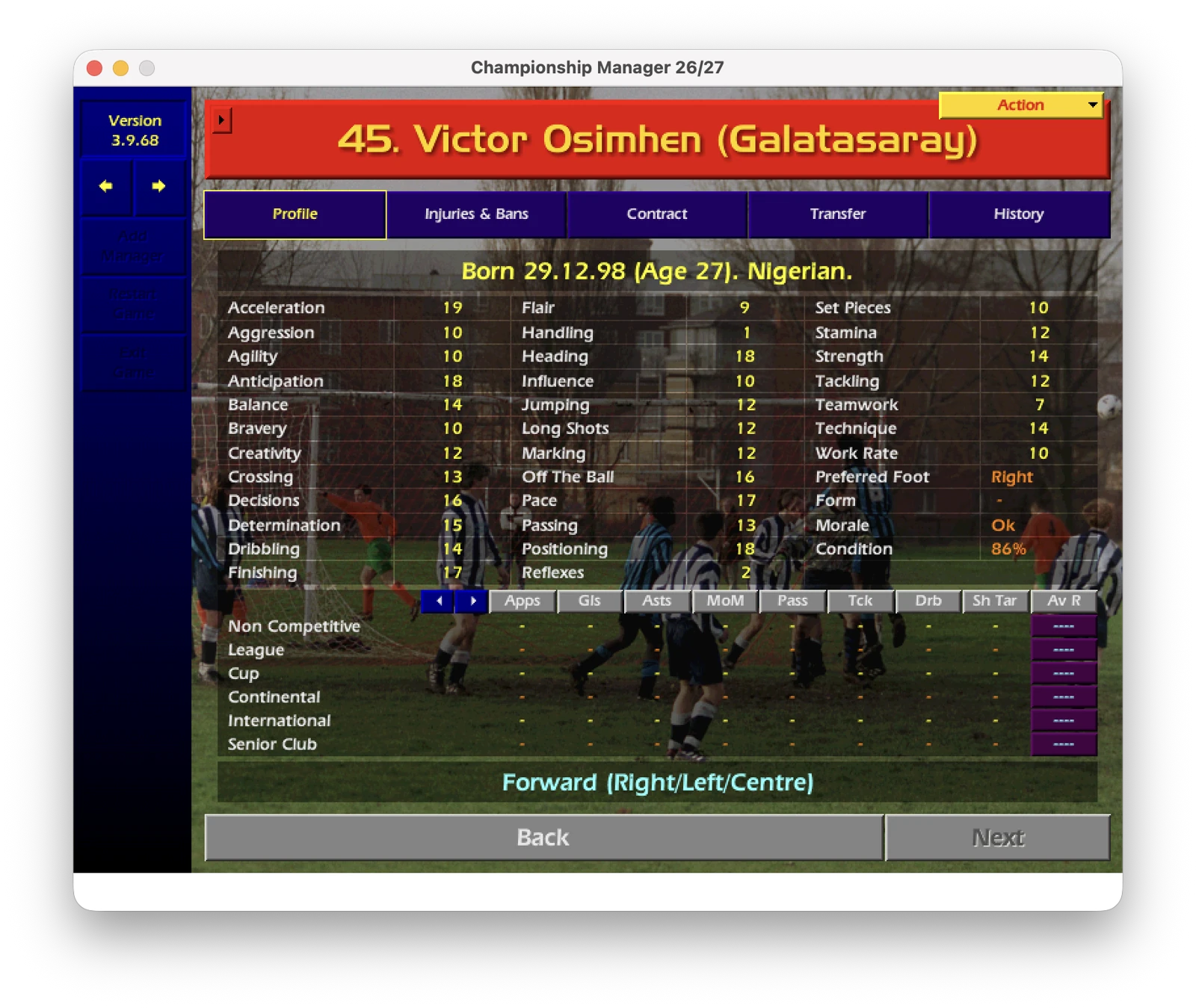
Victor Osimhen · 2026/27
Osimhen’s pace and acceleration stand out. The through ball suddenly looks tempting; that is normal, a fast striker makes every pass prettier. The only problem is remembering to actually give him the ball.
01
What does this update include?
- Squads as of the close of the 2026/27 summer transfer window, including all transfers completed by its close.
- 113 countries and approximately 3,850 clubs.
- Updated squads, backroom staff, squad numbers and player career histories.
- The game starts in 2026; the title and window text display “2026/27”.
- Two new executables, GDI and DirectX, with the CD check removed. Original executable files are left untouched.
New in this release
- Fixed squads for Prague (Slavia, Bohemians) and Red Star Belgrade; retired players turned into backroom staff (Casillas, Čech and Demirel as managers).
- Turkish names in the right order (Volkan Demirel, Ergün Penbe, Nihat Kahveci and others).
- Match officials: Turkey (FIFA 2026 and TFF lists) and FIFA 2026 names in many other countries.
- The OkanBall tactic is included (Tactics → Load).
Inside the package
Data/— Game data files.Championship Manager 26-27.exe— GDIChampionship Manager 26-27 DX.exe— DirectXtactics/OkanBall.tct— The OkanBall tactic file (load it from Tactics → Load).README.txt— English instructions with a Turkish explanation at the end.
02
Requirements
- A legal copy of Championship Manager 01/02 on Windows (or CrossOver/Wine). Recommended: a game installation with v3.9.68 applied.
- The package includes all data files, so installing the v3.9.68 patch beforehand is not required. Compatibility with different game versions is not guaranteed.
- The original game’s other asset files — sounds, history files and fonts — must already be present in the installation.
03
Step-by-step installation
- Close the game and back up the Data folder to a safe location.
- Extract the ZIP into the game folder containing Data and cm0102_GDI.exe. Allow the files inside Data to be overwritten.
- Launch Championship Manager 26-27.exe (GDI) or Championship Manager 26-27 DX.exe (DirectX).
- Start a NEW GAME. Old saves are not compatible.
Uninstalling
Delete the two Championship Manager 26-27*.exe files and restore your backed-up Data folder.
04
Frequently asked questions
Will my old saves work?
No. This update requires a new game; old saves are not compatible.
Does it change the original game?
The original EXE files are not modified. Installation overwrites files in Data, so back up that folder first. Restore the backup to return to the previous data.
What is the difference between GDI and DirectX?
The package offers two alternative graphics launchers: Championship Manager 26-27.exe uses GDI, while Championship Manager 26-27 DX.exe uses DirectX. No performance or compatibility advantage is guaranteed.
When will the next update arrive?
New updates will be published after each new transfer window. Follow this page for the latest version; no specific release date is announced.
Can I share it on another website?
Yes, under the sharing terms below. Link to the file hosted on RetroGamerLab, credit RetroGamerLab and link to https://retrogamerlab.com. Do not re-upload or host a copy.
What should I do if something goes wrong?
Close the game, delete the two new executables and restore your backed-up Data folder. Review the requirements and README before trying again.
06
Legal notice and credits
This is an unofficial, fan-made update, not affiliated with Sports Interactive, Eidos or Square Enix. “Championship Manager” is a trademark of its respective rights holders. The data is an amateur update inspired by the real world and is not officially licensed.
Created by: RetroGamerLab · Version 1.0 · First release
- File
CM0102_2026-27_Summer_Transfer_Update.zip- File verification · SHA-256
bae7ffe39425c16a0cdf4476c98349352072c5c3f925cc7575dddd54a0e17641